Tag: WordPress

  • Made – Responsive Review/Magazine Theme – Review

    Made – Responsive Review/Magazine Theme – Review

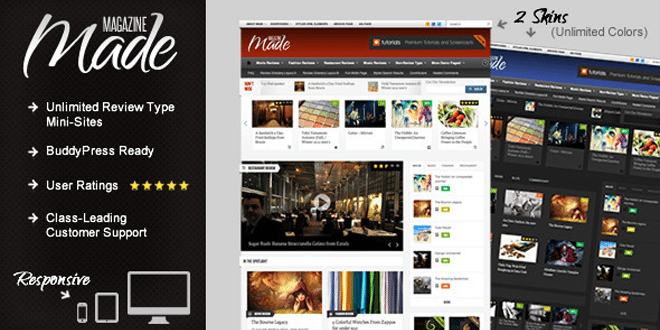
    Made is a review/magazine BuddyPress theme by IndustrialThemes. I have been using Made for a year now on my website which I will be closing down soon. This theme will be perfect for you if you are planning to run a site which focus on Films, TV Shows, Reviews of any kind, etc….. Below are some of the awesome features provided in Made.

    Features

    • Supports BuddyPress & bbPress
    • User Rating
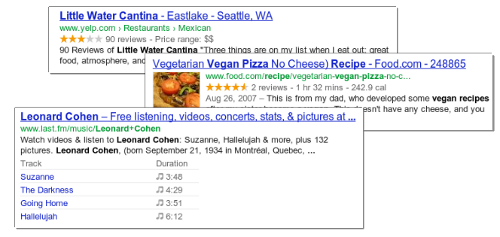
    • Google Rich Snippets support (Reviews will show up in Google search results)
    • 80+ shortcodes
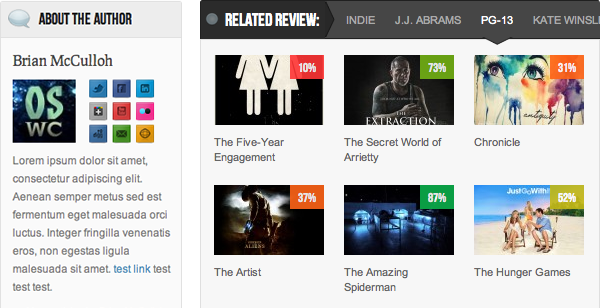
    • “About the Author” Box
    • Unlimited review mini-sites
    • Responsive
    • Awesome Support

    When I purchased the theme it was being sold for $45, now they have increased it to $50. They have added many new features also.  This review was written when Made v2.5 was out. One of the best things I like about them is they release an update as soon as a new WordPress update is out.

    Now I will be talking about some key things that I liked about Made.

    Review system

    • My site was a movie news portal and review site. At first I had 2 mini-sites one for film review and one for music video reviews. None of your mini-sites will look alike as the theme has 50+ theme options for each review type.
    • User ratings – User ratings is integrated to the comments and the review display box. 
    • Google Rich Snippets: Your rating will be shown in Google Search results.
    • We get 4 ways to display the review, which are,
      1. Numbers
      2. Percentages
      3. Letter grades
      4. Stars (Different colors available)

    For any support you can visit http://industrialthemes.ticksy.com/ and they will help you. Their support is amazing. You will never regret in purchasing the theme. All the support they provide is free of cost.

    For more details visit Made‘s page on ThemeForest. Preview Made theme here. Below find a video showing all the back-end elements of Made.

    Download | Preview

  • Best Way to Protect BuddyPress from Spam

    Best Way to Protect BuddyPress from Spam

    I was getting really annoyed with all the spam registrations on my BuddyPress site. Tried different plugins to stop spam and most of them failed, including Google’s reCAPTCHA. I was surprised when the spammers got through reCAPTHA. Whatever spam plugin you use, don’t use the below mentioned plugin.

    • Don’t Use

    BuddyPress Honeypot

    If this plugin worked properly this would have been the best plugin to stop spammers from registering on your site. I liked it because it creates an extra text field that is hidden via CSS. The visitor never sees the field, but spam-bots will usually fill it out so they don’t miss any required fields. The hidden field is a honeypot that traps the bots. Cool, isn’t it? But looks like it’s broken.

    • Safe to use

    BuddyPress Registration Options

    This plugin will not automatically block spammers, but you will have to manually deny their accounts. The plugin allows admins new member moderation, if moderation is switched on, any new members will be blocked from interacting with any BuddyPress elements (except editing their own profile and uploading their avatar) and will not be listed in any directory until an admin approves or denies their account.

    You will get an email every time a new user registers. This is the best free plugin out there which I have tried. If you have ever come across a better one, please let me know. I hope this plugin will help you protect BuddyPress from Spam.

    Image Courtesy: Brian Chantler

  • Remove WordPress Multisite data

    Remove WordPress Multisite data

    In this post I will cover how to remove WordPress multisite data which you created while enabling WordPress multisite.

    You can find many tutorials on how to enable Multisite and people who follow them sometimes get stuck in between of the process and might want to restart the process or sometimes don’t want to use multisite. But when you restart the process, WordPress says you already have a network enabled. So to restart you will have to remove WordPress Multisite Data from your WordPress install.

    Before proceeding, please create a backup of your database so you can restore it if something goes wrong.

    • Remove all the lines added to wp-config.php
    • Revert back to older. htaccess file or delete it and regenerate it by going to Settings > Permalinks
    • Remove the two fields added to the users table that are multisite-only (deleted and spam columns).
    • Remove the following tables in database (prefixed by your DB prefix which is generally wp_):
        • wp_blogs
        • wp_blog_versions
        • wp_site
        • wp_sitemeta
        • wp_signups
        • wp_sitecategories (if you have global terms enabled)
        • wp_registration_log

    Your WordPress multisite data is now cleared and you have a fresh WordPress install.

  • Find What Platform a Website is Running On

    Find What Platform a Website is Running On

    Ever wondered on what platform is your favorite blog or website is running on? If you’re a web developer or just have an interest in software on the web, go ahead and keep reading this article.

    Mozila Website Platform Checker - Wappalyzer
    Wappalyzer UI on Firefox – Click to enlarge

    Whenever I see a beautiful website, I used to wonder about stuffs like what programming language, framework, blogging/CMS platform etc they used. Most of the time I end up in checking the source html code of the website. If it’s a blog, it was easy for me to figure it out but most of the time I failed as some of the developers used to hide all the stuffs and display funny messages like “Stop looking at my websites codes”, “What are you looking for?” etc.

    Wappalyzer Chrome UI
    Wappalyzer Chrome UI

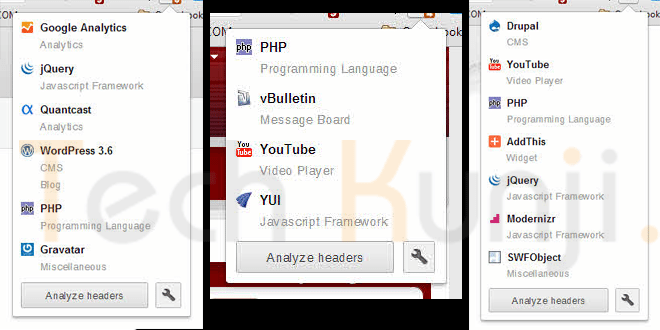
    Well, now I have Wappalyzer which uncovers the technologies used on websites. It detects content management systems, web shops, web servers, JavaScript frameworks, analytics tools and a lot more. Wappalyzer is a browser extension for Google Chrome & Firefox.

    All you have to do is visit wappalyzer.com/download and get Wappalyzer for your browser. Install the add-on/extension and visit some websites to check them. Below I have included some websites which run on WordPress, Drupal, Joomla etc. I am sure you will be amazed to see the platform of these sites as I was.

    1. Battlefield Blog – WordPress

    Battlefield Blog on WordPress

    2. Tuts+ Network – WordPress

    Tuts Plus Network on WordPress

    3. Cloudfare Blog – Posterous

    Cloudfare Blog Platform Posterous


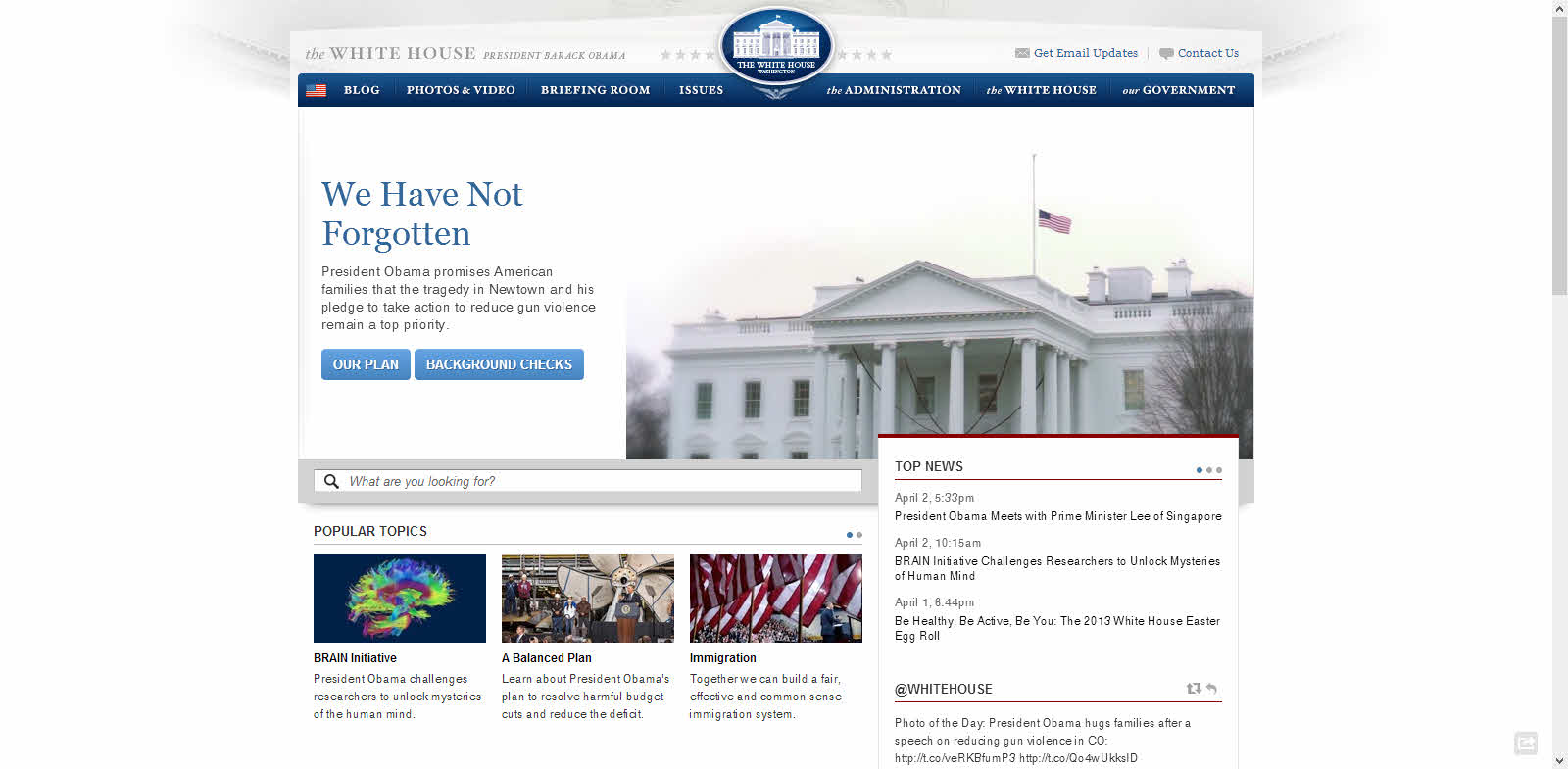
    4. The White House Website – Drupal 

    White House Website Platform Drupal

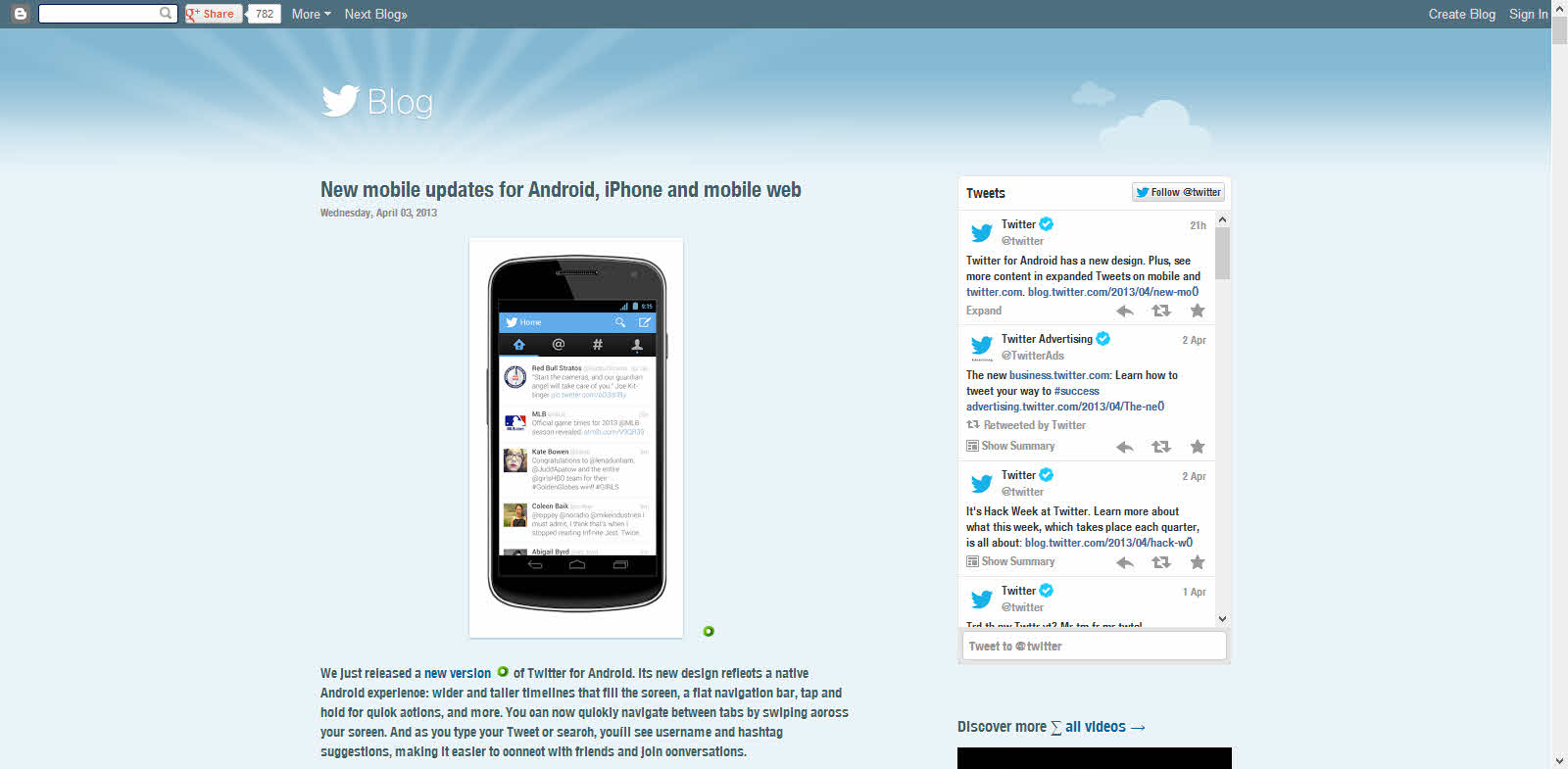
    5. Twitter Blog – Blogger

    Twitter Blog Platform Blogger

    Download

    Have fun discovering the secret behind your favorite websites.

  • 5 Alternatives to WordPress as a Blogging Platform

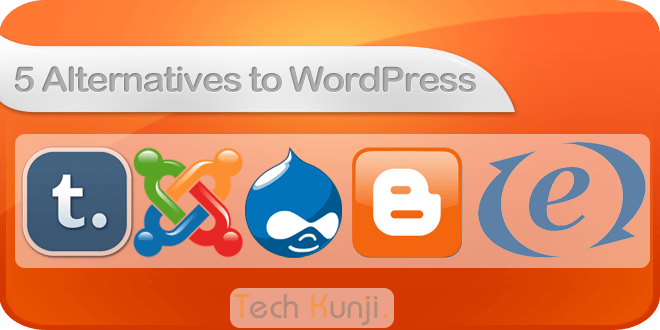
    5 Alternatives to WordPress as a Blogging Platform

    All my websites use WordPress and I love it a lot. But recently I thought of trying out some other CMS’ out there. I tried around 10-15 but only 5 according me is worth sharing. Finding alternatives to WordPress is not a difficult task anymore. There are hundreds of CMS’ out there.

    Before selecting a platform think a lot, think which one will serve you better. I used Blogger before moving to WordPress. It was good for a starter, but for better control I moved to blogger. It’s easy to move to WordPress from Blogger as WordPress has plugin’s which makes the transfer easy.

    These sites are ranked in no particular order.

    1. Drupal (Free)

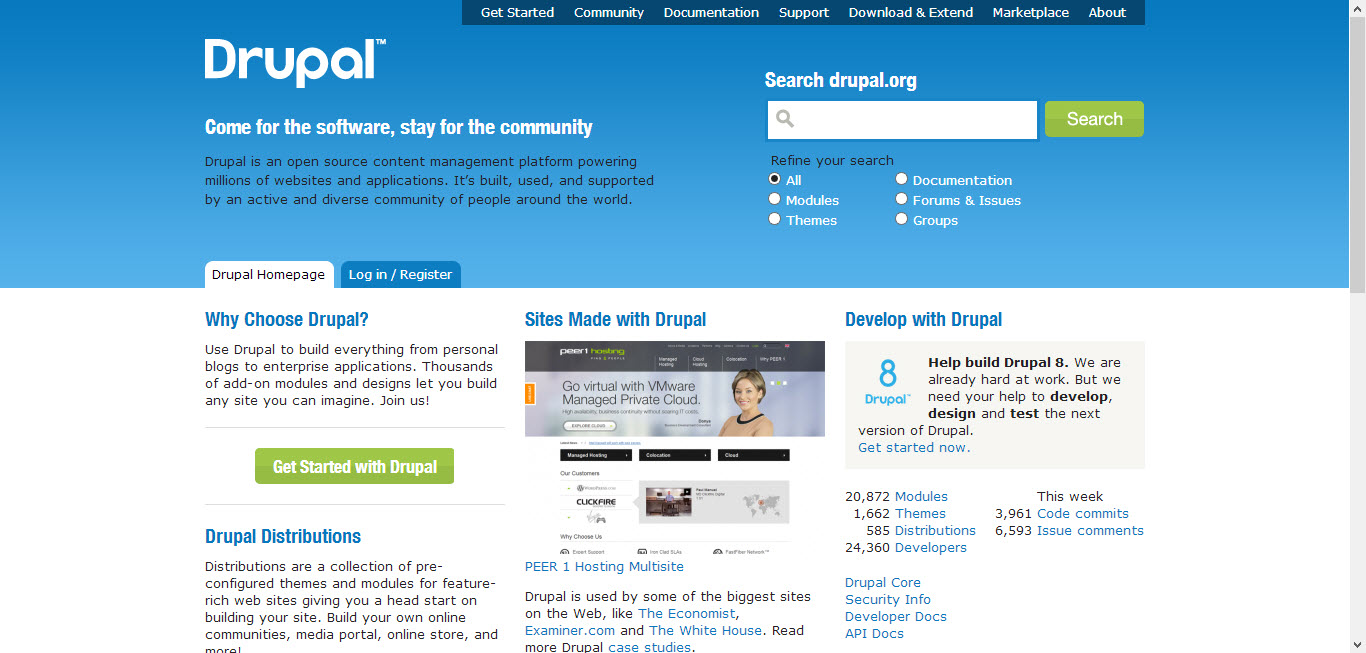
    Drupal as blogging platform

    I think Drupal is the closest competitor to WordPress. Drupal was released in 2001. Like WordPress, Drupal also has a strong and active community. Also, they have tons of plugin’s also known as modules. Use Drupal to build everything from personal blogs to enterprise applications.

    2. Joomla (Free)

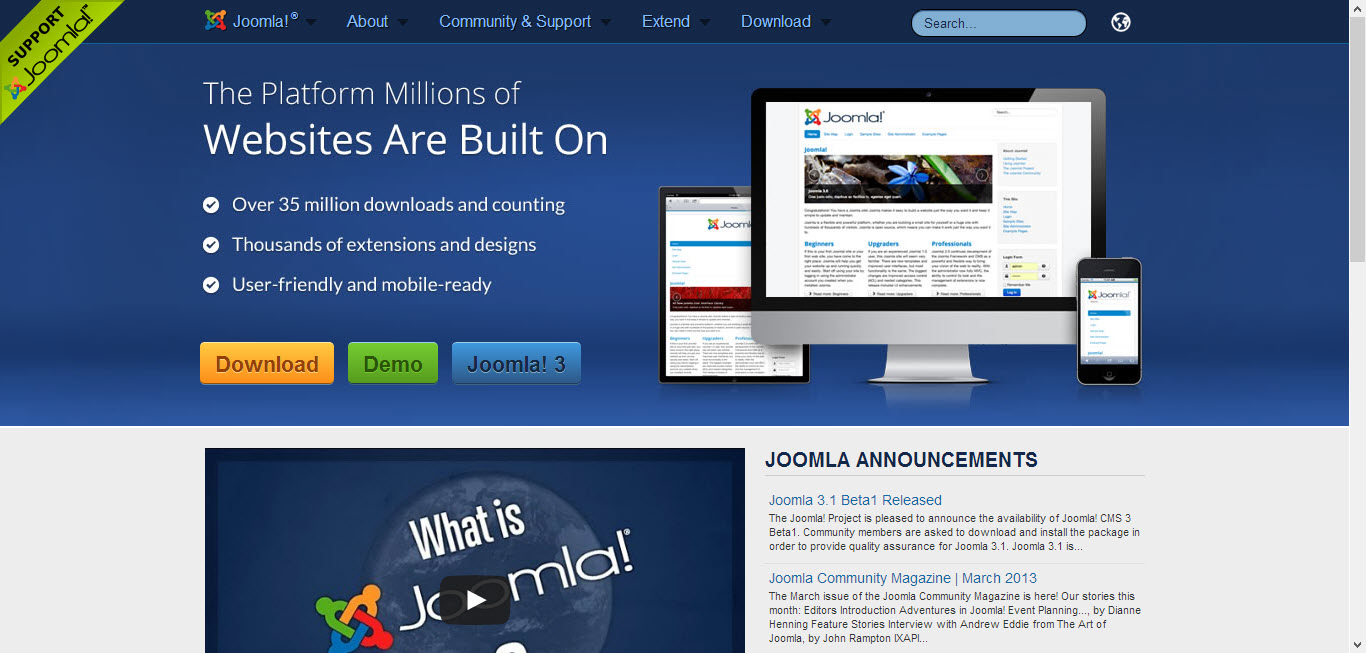
    Joomla as a content management system

    Joomla is another most used content management system.  Joomla also have a large community. The initial release was in 2005. Unlike other platforms Joomla gives us a chance to check out the Back-end and Front-end view through their demo site.

    3. Expression Engine (Premium)

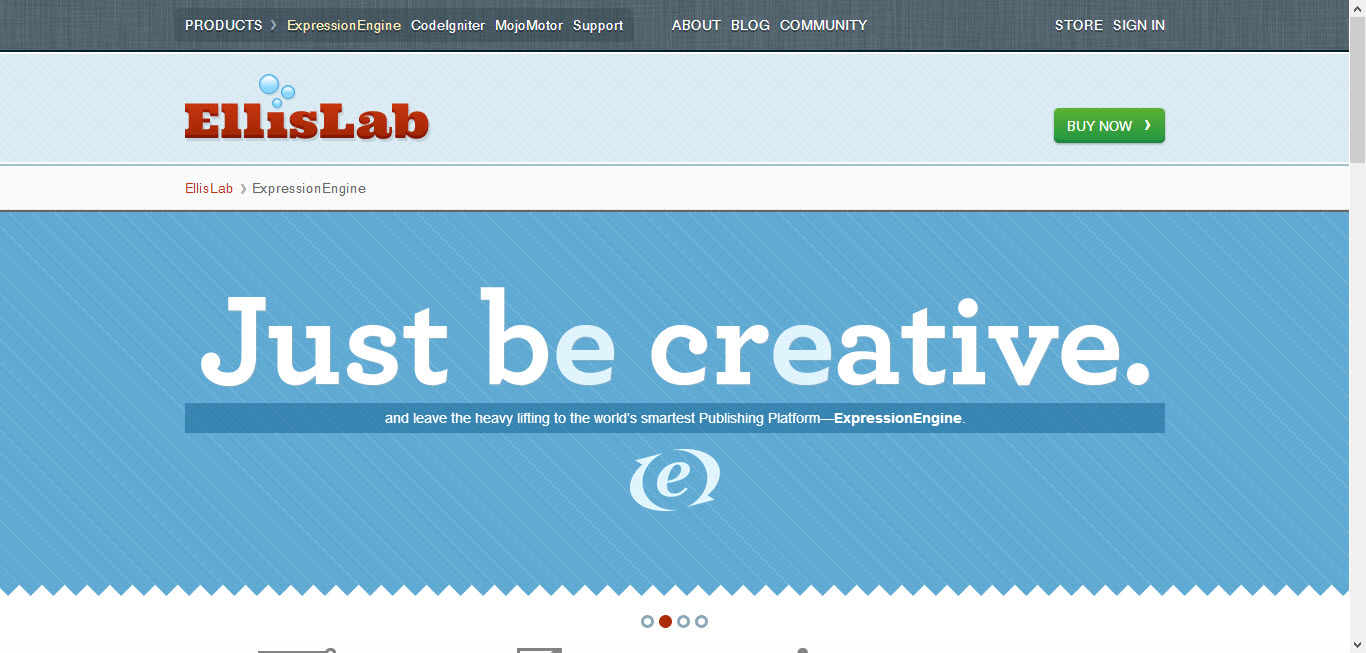
    Expression Engine as a content management system

    Another great alternative to WordPress. Expression Engine has all the features needed for running your blog, and even some features that WordPress doesn’t offer! Expression Engine features friendly control panel, flexible content management, powerful member management and is infinitely extensible. I recommend Expression Engine to all clients who have a big budget for their website/blog. Some of the best websites in the world are powered by Expression Engine.

    4. Blogger (Free)

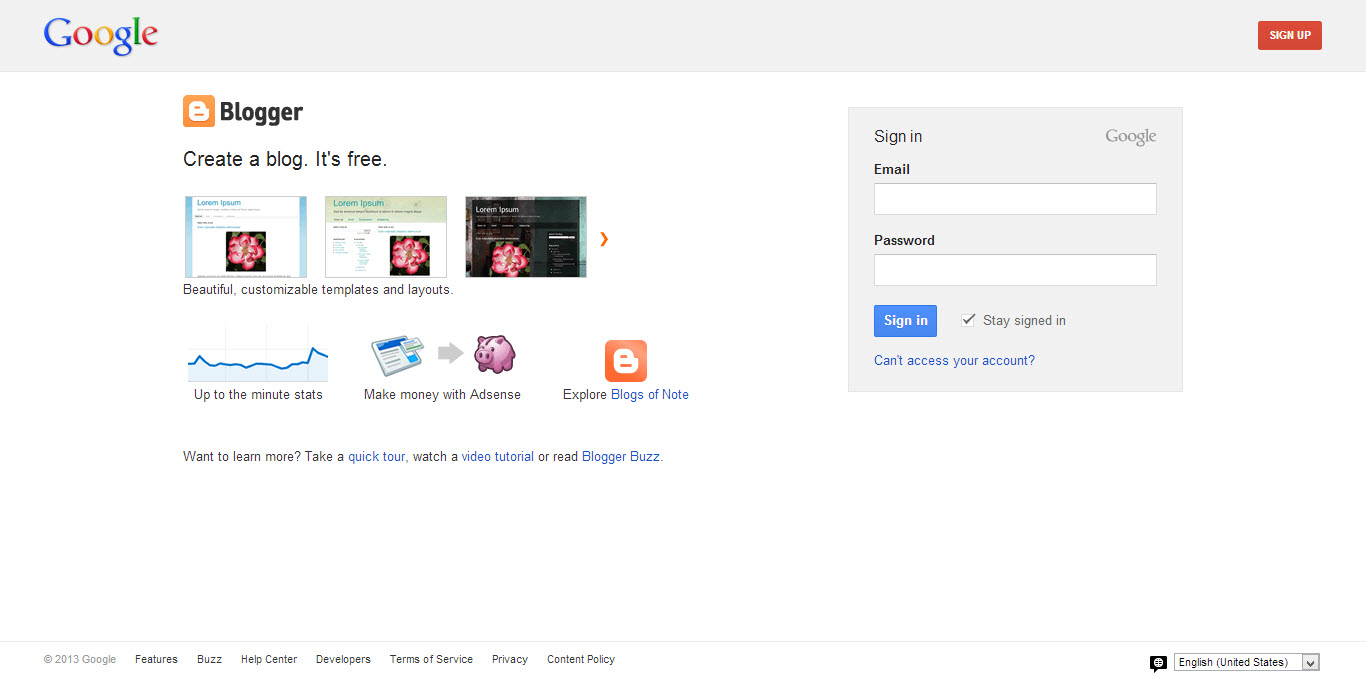
    blogger as a blogging platform

    Most of you might have already heard of Blogger or probably would have also used it. Blogger is the best platform as the user doesn’t have to worry about hosting or server downtime’s etc. Just concentrate on the content.  The blogs are hosted by Google at a subdomain of blogspot.com. Users also get an option to map their own domains.

    5. Tumblr (Free)

    tumblr as a blogging platform

    Tumblr is similar to Blogger where you get a free subdomain, free hosting. Tumblr also gives the option to map our own domains. But it is not as powerful as Blogger.

    Thanks for reading. These are some platforms which I like. What is your favorite platform? Let me know through the comments. I will check them out and probably will write about it if I like it.


  • Build An Alumni Website on WordPress – Plugins

    Build An Alumni Website on WordPress – Plugins

    In this article I will share the information about all the plugin’s I used to create my school’s Alumni Association website. This tutorial was requested by Arjun Vishwan on the tutorial request page.

    I will try to cover up most of the part and if you run into an issue, let me know through the comments, I will get back to you.

    We will be using WordPress as our platform to run our Alumni Association website. I hope you have the basic knowledge of hosting and running a WordPress Website.

    If you have a better and easy way of creating an alumni website, please let me know through the comments section.

    Plugin’s Used:

    1Avia Feedback Box – feature request system – Premium – $25

    The Avia Feedback Box is a feature request system for visitors and customers. They can suggest new ideas, vote on existing ones, and track your work progress.

    Demo | Download

    2. BP Group Organizer – Free

    This plugin creates an administrative interface for organizing all of your BuddyPress groups.

    Based on the WordPress Menu editor, BP Group Organizer makes it simple to get your BuddyPress groups just the way you want them, or just to get a handle on the growth of your site.

    • Easily create groups in one step
    • Edit multiple groups and group properties without waiting for page reloads
    • Delete unwanted groups in a flash

    For users of BP Group Hierarchy, this plugin also allows you to move groups around the hierarchy by dragging and dropping. Get your groups just the way you want them, quickly and easily.

    Download

    3. BuddyPress – Free

    BuddyPress lets users sign-up and start creating profiles, posting messages, making connections, creating and interacting in groups, and much more. A social network in a box, BuddyPress lets you easily build a community for your company, school, sports team, or other niche community.

    Demo | Download

    4. BuddyPress Activity Plus – Free

    BuddyPress Embed Activity gives your social network all the features and ease of Facebook when it comes to uploading and sharing media! The plugin adds 3 new buttons to your BuddyPress activity stream. Enabling you to attach photos, videos, and even share web links with everyone on your network!

    Download

    5. BuddyPress Gifts – Free

    This plugin make user can send gifts image to other members in BuddyPress. It uses activity stream to keep the gifts sent information. Members can choose a gift from the gift box in others member gifts tab and type a message to receiver member. Receiver member can delete or reply message using activity stream function in own profile. The administrator can upload, delete and edit gifts item in the backend admin dashboard

    Download

    6. Chat Lite – Free

    Start communicating! Bring live, two-way chat to your site. Host your own live chat sessions, interact with your visitors and boost your sales without needing any third party javascript or other code – works great with BuddyPress and Multisite too.

    Download

    7. CubePoints – Free

    CubePoints is a point management system for sites running on WordPress. Users can earn virtual credits on your site by posting comments, creating posts, or even by logging in each day! Install CubePoints and watch your visitor interaction soar by offering them points which could be used to view certain posts, exchange for downloads or even real items!

    CubePoints is modular! And this means that it can be easily extended to offer more ways for your users to earn and spend points. APIs are also available for other plugins to work with CubePoints.

    Download

    8. CubePoints Buddypress Integration – Free

    Adds CubePoints support to Buddypress. Reward members using your BuddyPress portion of your website by giving them points and awards!

    Download

    9. Q&A Lite – WordPress Questions and Answers Plugin – Premium – $19

    With this plugin, you can bring full Questions and Answers functionality to any WordPress or BuddyPress site in mere minutes!

    Download

    10. ThreeWP Activity Monitor – Free

    Displays a multitude of user actions to keep the site administrator informed that all is well and that the blog or network is not being abused.

    • Logins (successful and failed)
    • Retrieved and reset passwords
    • Posts/pages created, updated, trashed, untrashed and deleted
    • Comments approved, trashed, spammed, unspammed, trashed, untrashed and deleted
    • Changed passwords
    • Changed user info
    • User registrations
    • User deletions
    • Custom activities from other plugins

    Download

    11. White Label Branding for WordPress – Premium – $25

    With White Label Branding for WordPress you can customize the menu’s and logo’s in WordPress and to decide which menu’s the users have access to.

    Demo | Download

    There are lots of other plugin’s out there, but I recommend reducing the number of plugins. The more number of plugins, more chance of server crash and more down times.

    Hope this post was useful and if you find it useful, please like the article and also our Facebook Page here.