Catch Notes a free note taking application is shutting down on 31 August 2013. Catch notes is a cross-platform app and can be also accessed using your web browser. The app have around 5,000,000+ downloads on Google Play Store but wasn’t that famous in Apple App Store. So this list will be more focused for Android users, but I will mention if the alternative is available for Apple products. Below find some alternatives to Catch Notes.
Google Keep (Android)
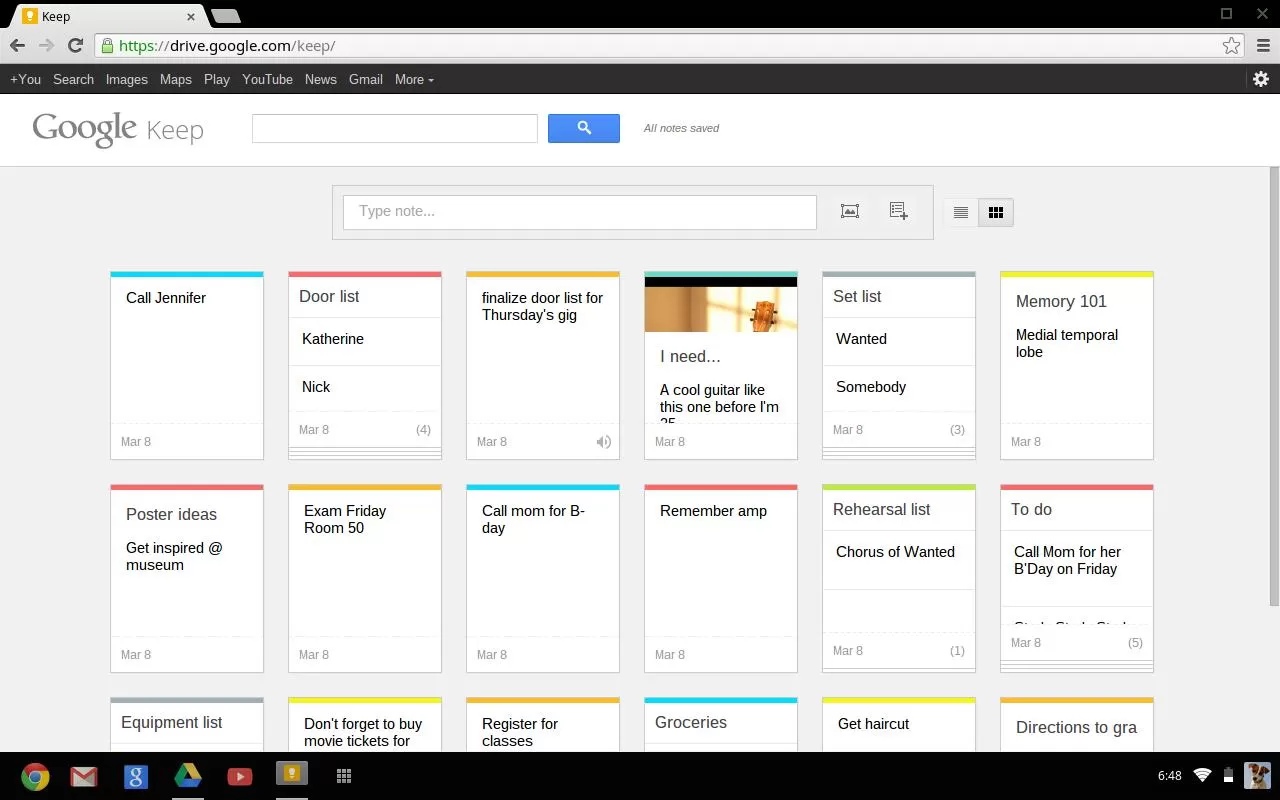
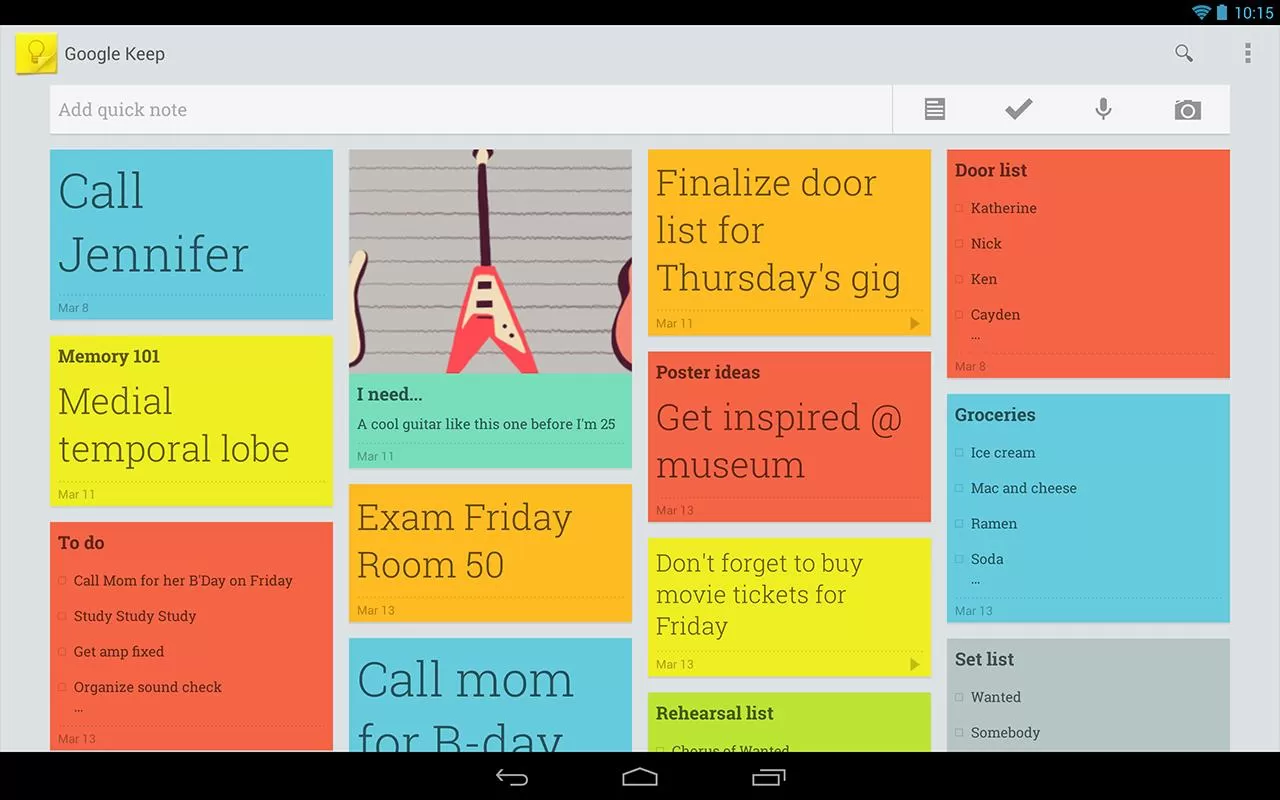
Google Keep is a good alternative but you will be not able to import your Catch Notes as Google Keep doesn’t have any option for that. Google Keep is available online and via an Android app.
- Advantages:
- Both the web and Android versions are free
- Color coding of items to categorize them (blue for work, red for home, etc.)
- View items in a list or grid display to show data in a way that meets your preference
- Familiar interface for frequent users of Google services
- Search capability
- Finally offers the “Notes” option many Outlook users relied on
- Works well with no unexpected curveballs

Google Keep – Mobile - Limitations:
- Can only import local images; web images must be saved locally then imported
- Can’t edit images
- Can’t print notes
- Can’t tag objects
- Can’t order or group items
- No administrative management (e.g. Through Google Apps)
- No sharing of objects from the web interface (however, the Android app lets you post a note to email or social media).
- No collaboration capability
- No offline capability for the web version
ColorNote Notepad Notes (Android)
Color Note is a simple notepad app. It gives you a quick and simple notepad editing experience when you write notes, memo, email, message, shopping list and to do list. Color Note makes taking a note easier than any other notepad and memo apps.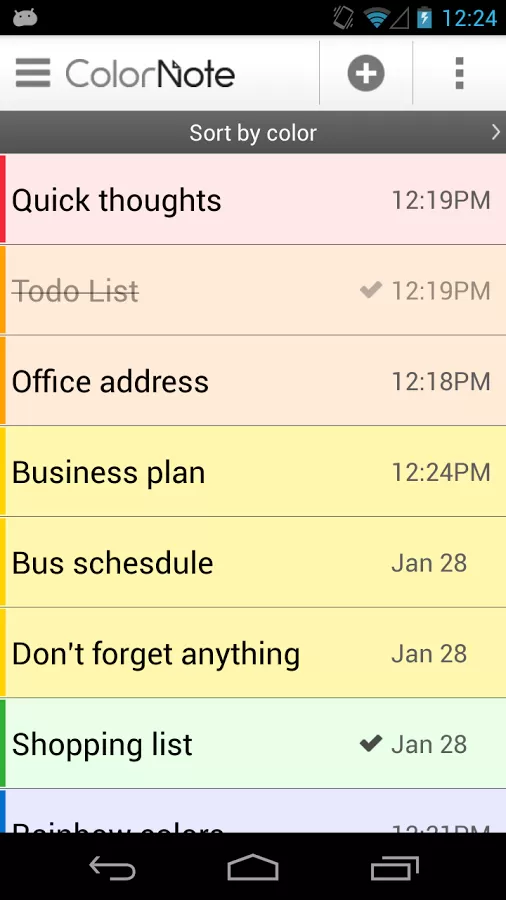
- Organize notes by color
- Sticky Note Widget
- Checklist for To do list & Shopping list
- Checklist to get things done (GTD)
- Organize your schedule in calendar
- Password Lock note : Protect your notes by passcode
- Secured backup notes to sd storage
- Supports online backup and sync. You can sync notes between phone and tablet.
- Reminder on status bar
- List/Grid View
- Search notes
- Notepad supports ColorDict Add-On
- Powerful Reminder : Time Alarm, All day, Repetition.(lunar calendar)
- Quick memo / notes
- Share notes via SMS, email, twitter
- Use color to categorize notes
- Online backup and sync cloud service
- Sign-in with Google, Sign-in with Facebook.
Evernote (Android and iOS)
Evernote is an easy-to-use, free app that helps you remember everything across all of the devices you use. Stay organized, save your ideas and improve productivity. Evernote lets you take notes, capture photos, create to-do lists, record voice reminders–and makes these notes completely searchable, whether you are at home, at work, or on the go.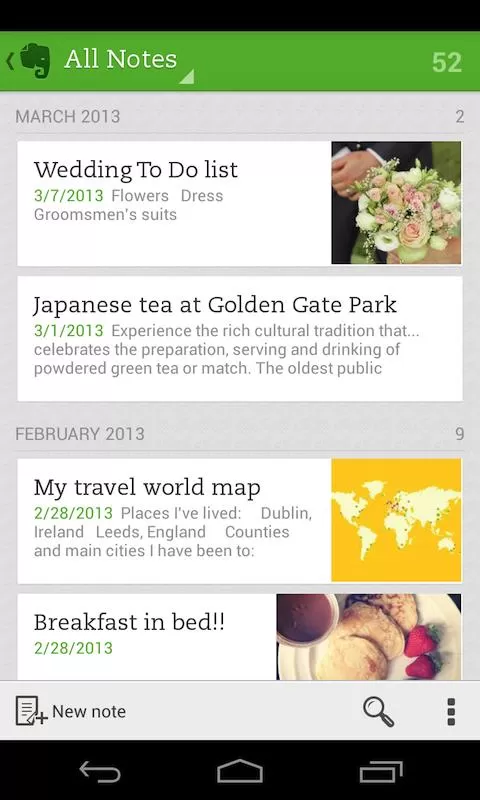
- Works with Evernote Business: Capture, browse, search, and share Business Notes and Business Notebooks from your Smartphone or tablet.
- Sync all of your notes across the computers and devices you use
- Create and edit text notes, to-dos and task lists
- Save, sync and share files
- Search for text inside images
- Organize notes by notebooks and tags
- Email notes and save tweets to your Evernote account
- Connect Evernote to other apps and products you use
- Share notes with friends and colleagues via Facebook and Twitter
Conclusion
All this app doesn’t allow to import data. I will be doing some research to find a good app. Please let me know if you have any apps which you already found which will help us to import data from Catch.
Evernote allows users to export Catch spaces. Read our article how to import catch notes to every note here.